{{ unitLine }}
{{ scName }} — {{ scLane }}
{{ metaLine }}
Procedural Skill Timing
MARCH Sequence Flags
{{ q.text }}
Point Deductions
{{ d.label }}−{{ d.pts }}
Missed Critical Criteria
☐ {{ m.label }}
Timed Action Log
{{ e.time }}{{ e.label }}
Feedback & Improvement Areas
{{ feedback }}
{{ unitLine }} · After-Action Feedback
{{ scName }}
{{ scLane }}
Where points were lost
{{ d.label }}−{{ d.pts }}
Skill times vs. standard
{{ s.label }}{{ s.elapsed }} / {{ s.target }} {{ s.flagTxt }}
Cadre Feedback & Improvement Areas
{{ feedback }}
Cadre signature
Student signature
Lane Mode · {{ scName }}
{{ studentOr }}
{{ clockTxt }}
Skill timing — tap to stamp
{{ item.label }}
{{ item.elapsed }} / {{ item.target }}
Critical criteria
Auto action log
{{ logCountTxt }}
{{ e.time }}
{{ e.label }}
Stamp a skill or tap a critical criterion — every action lands here with the mission-clock time.
Packet configuration
Settings
Audio
{{ t.label }}
{{ t.hint }}
{{ t.stateTxt }}
Volume
{{ volPct }}%
Lane behaviour
{{ t.label }}
{{ t.hint }}
{{ t.stateTxt }}
Grading standard
Passing score{{ passScore }}
Unit / schoolhouse header
Backup file
{{ ioMsg }}
Keyboard: Space start / pause · S stop · L lane mode · 1–4 tabs · Esc close panels.
Quick stamp · {{ clockTxt }}
{{ item.label }}
{{ scName }}
Mission Clock
{{ clockTxt }}
🔒 Locked — saved to run history · ready to export
Resumed in-progress lane from this device — {{ draftInfo }}
{{ c.k }}
{{ c.v }}
Critical-fail rule: {{ failRule }}
Student
Roster No.
Class
Cadre / Evaluator
Date
Iteration
Injuries & Moulage
Injury
Location
Moulage instructions
{{ inj.tag }}. {{ inj.name }} {{ inj.note }}
{{ inj.location }}
{{ inj.moulage }}
Casualty body map · anterior / posterior
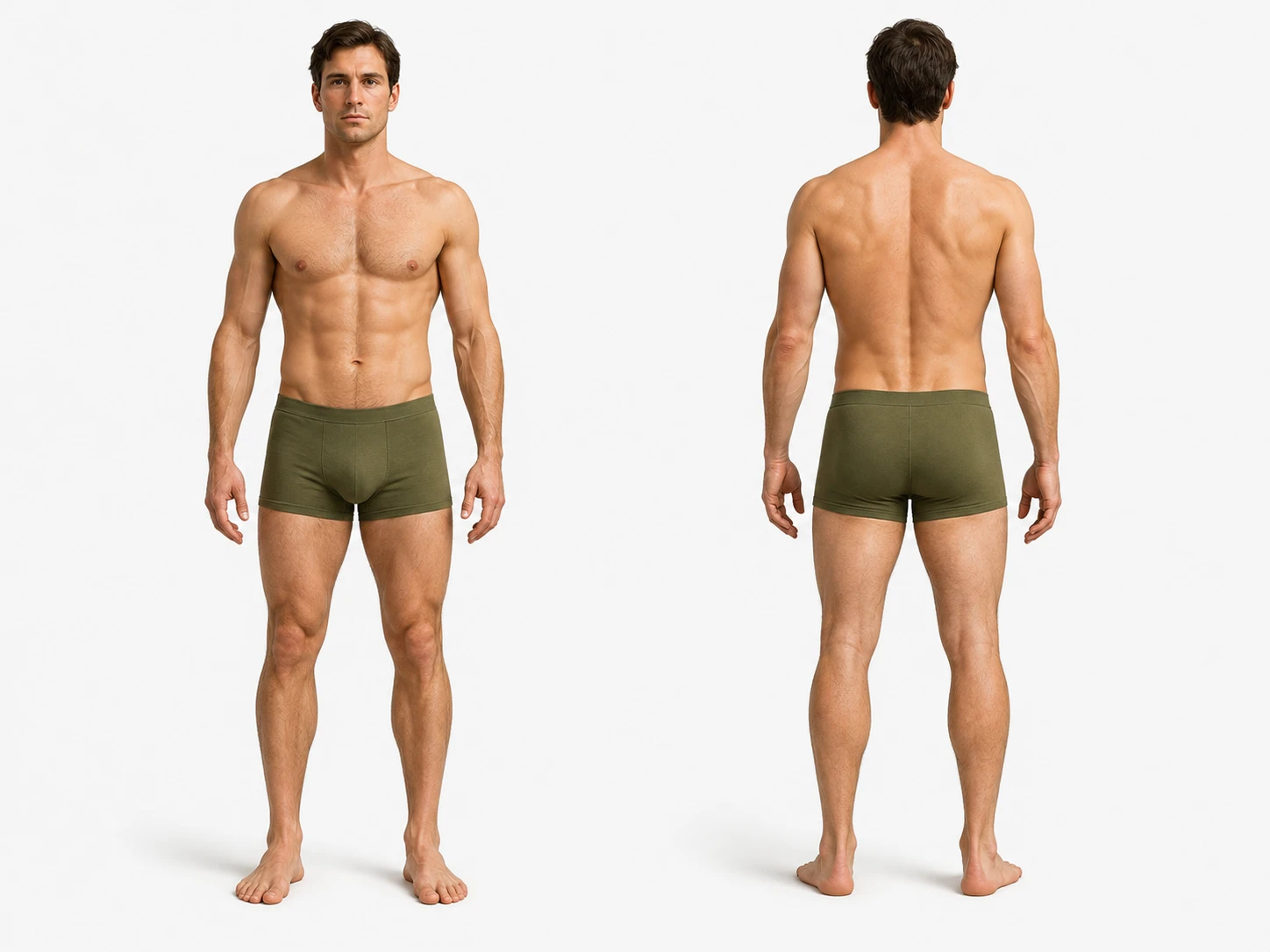
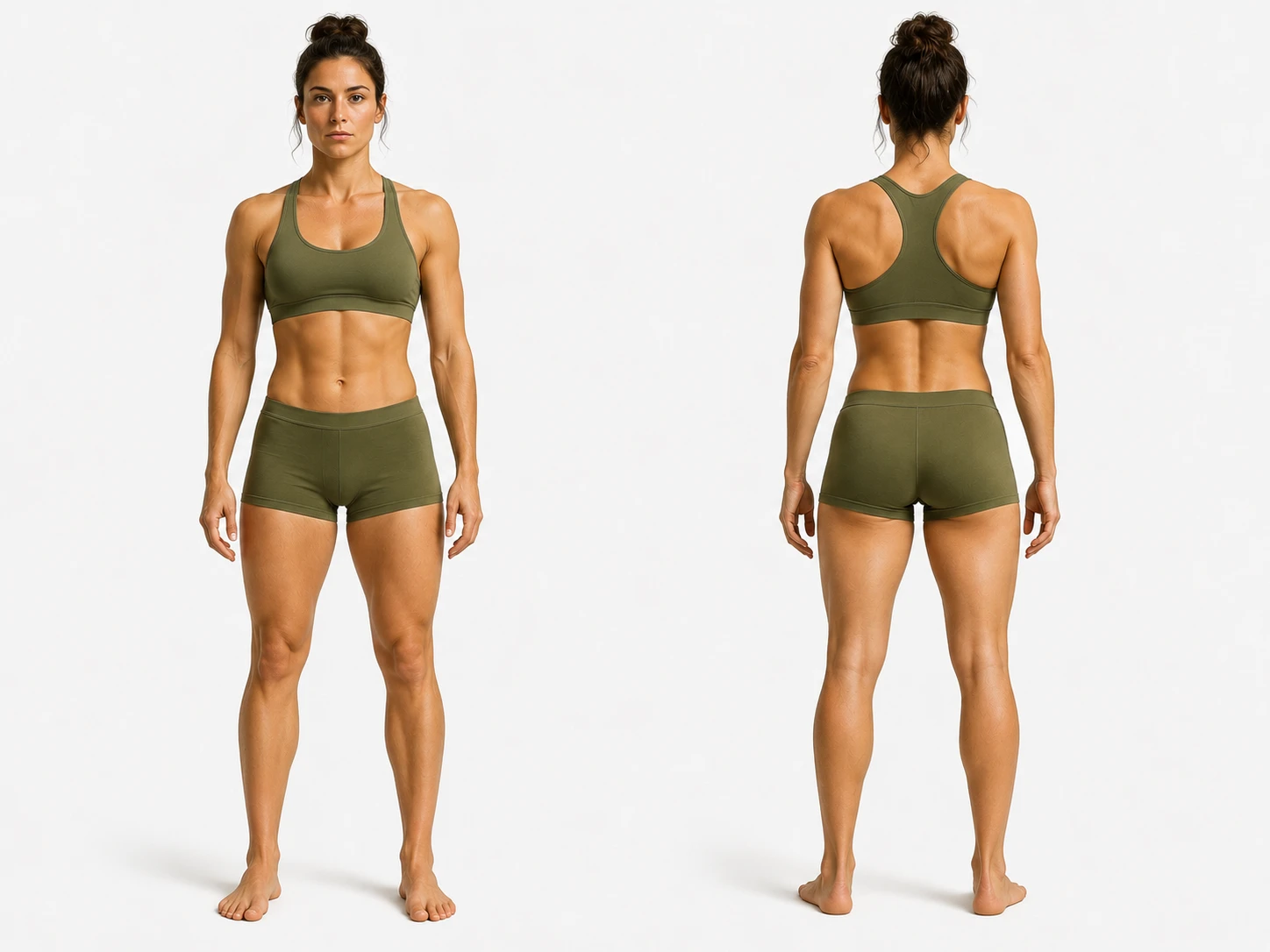
{{ m.n }}
Patient Position
{{ position }}
Self-aid
{{ selfAid }}
{{ figNote }}
Scenario History
{{ history }}
Scene Survey
{{ scene }}
MARCH-PAWS Assessment
Expected findings — red = critical
{{ card.letter }}
{{ card.title }}
{{ row.k }}
{{ row.v }}
Scenario Objectives
Live Grade
{{ grade }}/100
Critical Met
{{ critMet }}/{{ critTotal }}
Deducted
−{{ totalDeduct }}
Auto Verdict
{{ suggested }}
{{ suggReason }}
Critical Criteria
{{ critNote }}
{{ item.glyph }}
{{ item.label }}IN PROGRESS
BEST PRACTICETap − / + to deduct points for incomplete or missing actions
{{ item.label }}
{{ item.pts }}
Procedural Skill Timing
Elapsed is graded against the lane standard — green / amber / red
Skill
Start
Stop
Elapsed
Target
{{ item.label }}{{ item.flagTxt }}
{{ item.elapsed }}
{{ item.target }}
MARCH Sequence Check
Interventions performed out of priority order⚠{{ q.text }}
✓ No out-of-order interventions detected.
Timed Action Log
Auto-stamped from the mission clock{{ e.time }}{{ e.label }}
No timed actions yet — check Critical or Best Practice items during the run to log them.
Feedback & Improvement Areas
Verdict{{ verdict }} {{ verdictSrc }}
Grade{{ grade }}
Cadre Signature
Student Signature
Schoolhouse & Grading Setup
Unit / Schoolhouse (report header)
Passing score
Runs stored on device{{ runCount }}
Roster
Tap a student to see their lanes and trend
Student
Lanes
Avg
Pass
Fail
Trend
{{ r.name }} {{ r.tag }}
{{ r.count }}
{{ r.avg }}
{{ r.pass }}
{{ r.fail }}
{{ r.trend }}
No completed runs yet. Finish a lane with STOP and it lands here.
{{ runsTitle }}
Date
Student
Scenario
Time
Grade
Verdict
{{ r.date }}
{{ r.student }}
{{ r.scenario }}
{{ r.laneTime }}
{{ r.grade }}
{{ r.verdict }}
No runs recorded.
Backup & Transfer
Move a whole day of lanes between devices as one file{{ ioMsg }}
Press STOP on the mission clock to lock this scenario. Exports unlock once the run is stopped — this freezes the grade, times, and notes, and files the run in the roster history.
Run Summary
Scenario{{ scName }}
Lane Time{{ clockTxt }} / {{ estTime }}
Student{{ studentLine }}
Cadre{{ cadreOr }}
Grade{{ grade }}/100
Verdict{{ verdict }} {{ verdictSrc }}
Skill Timing vs. Standard
{{ s.label }}{{ s.startTxt }}{{ s.stopTxt }}{{ s.elapsed }}{{ s.target }}
No skills stamped.
Missed Critical Criteria
☐ {{ m.label }}
✓ All critical criteria met.
Timed Action Log
{{ e.time }}{{ e.label }}
No actions logged.
Export & Print
{{ ioMsg }}
Tip: in the print dialog choose “Save as PDF” as the destination.